
PVZ Fusion Cheats
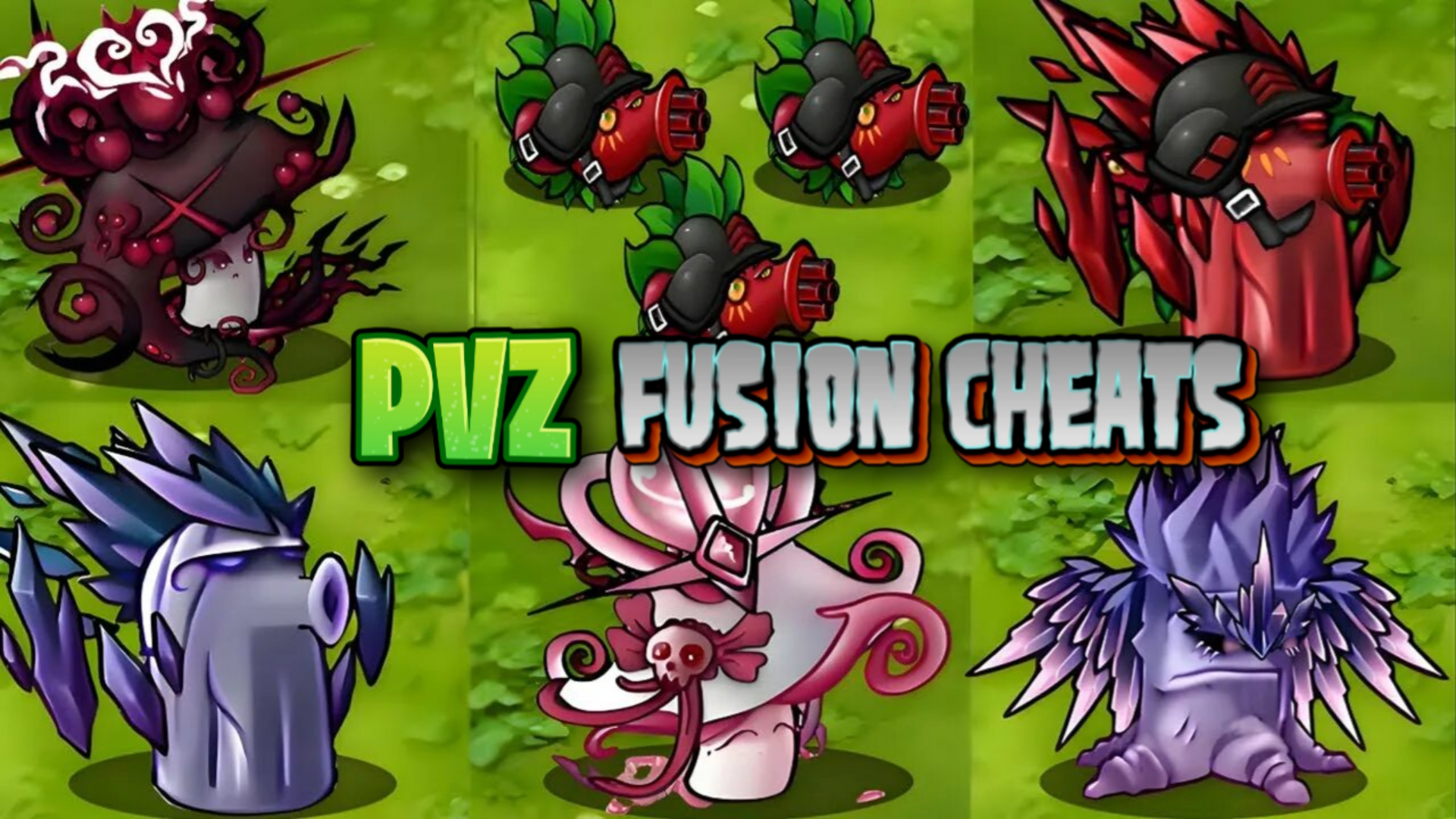
A single-player tower defence session unfolds in landscape, played with mouse or finger across desktop, phone, or tablet. You place plants on the field to hold back waves of zombies, watching each plant’s cost and recharge rate before committing. Hybrids combine the powers of two or more ordinary plants, giving you new tactical options against zombies that grow tougher and smarter. No installation needed—just open the browser and start placing.
Loading the game…
This game did not load. It may be temporarily unavailable on the provider side.
About this game
Check out the new version of Plants vs Zombies – everything is new here, but the classics are still there!
Now you can not only fight off zombies with the help of your green friends, but also make cool hybrid plants. These are plants that combine the powers of two or even more ordinary plants.
With these hybrids, you’ll get a bunch of new chips to deal with zombies that have become even cooler, smarter, and more cunning!
Controls:
Desktop: Mouse: select plants, click buttons, place plants, use bonuses, collect items.
Mobile: Finger: select plants, click buttons, place plants, use bonuses, collect items.
Key Features:
• Selection: Combine plants to create unique species with their own abilities and appearances.
• Challenges: Test your skills in various challenges that will provide new experiences and challenge your tactics.
• Cheats: Cheats let you go wild: take as many sun points as you want and plant as many plants as you can.
• Skins: You can purchase skins for your plants themed around popular memes.
Upgrades / Progression / Economy:
• Sun Points: The in-game currency that allows you to buy plants and place them in your garden. Sometimes they may fall from the sky, or sunflowers may give them to you. You can also obtain them by pressing the cheats button.
• Dollars: In-game currency that can be spent on bonuses (e.g., cooldown-free gloves) or to buy new challenges. You can earn dollars by completing levels, from daily rewards, or by purchasing them with Gam.
• Gam: Premium currency used to buy dollars or skins.
Game Modes:
• Adventure: A more classic mode with basic challenges. Completing a level in this mode unlocks a new one with tougher opponents and possibly a different appearance.
• Challenges: A mode that offers new experiences. Each challenge can surprise you. For example, in one challenge, you can play as a zombie.
Characters / Heroes / Skins:
• Nut: Holds back zombies in front of you, buying time to fend off the attack.
• It’s fine Nut: A skin inspired by the “It’s fine” meme.
Story / Setting:
The setting is a zombie apocalypse where hordes of zombies are trying to break into your home.
Core Gameplay & Story
Q: What is the goal of the game?
A: The game is about defending your garden from hordes of zombies. Build defenses with various plants, devise unique tactics, and protect your garden from waves of monsters.
Q: How do you win / what counts as losing?
A: Do not let the zombies break into your home. You need to prepare to fend off all waves and achieve victory.
Q: What grabs you in the first minutes?
A: You can start combining plants right from the first minutes of the game, creating unique combinations. Each one can produce a special plant with its own abilities and distinctive traits.
Mechanics & Progression
Q: How many levels are there / is the structure clear?
A: You will find many levels: from quite familiar to levels with special challenges. Completing a level unlocks a new one, and so on.
Q: What unlocks as you play?
A: As you progress through the game, new levels with tougher opponents become available.
Q: Does the difficulty change?
A: Yes, you can adjust the difficulty in the game based on your readiness.
Q: How can I level up faster?
A: The game features free progression. Thanks to the cheat feature, you can give yourself as much currency as you want. With it, you can buy plants to defend your garden, so there are no barriers to how many plants you want to purchase.
Economy & Customization
Q: What can you buy/improve?
A: You can buy bonuses and skins in the game. For example, a time acceleration x3 or a skin for a plant.
Q: Are there skins / customization?
A: Yes, you can purchase various skins for your plants in the game.
Q: What is available from the start?
A: Most plants in the game are available from the start, allowing for great opportunities for unique combinations from the first levels.
Retention & Engagement
Q: Is sound necessary?
A: You can play without sound. The game is intuitive, so sound is not essential. However, with sound, you will immerse yourself better in the world.
Q: Is there onboarding in the game? What is it like?
A: Yes, there is a brief tutorial at the beginning that provides basic knowledge. It does not overwhelm with information. After that, you immediately start playing a level, testing your knowledge in practice and discovering new possibilities.
Related games
View all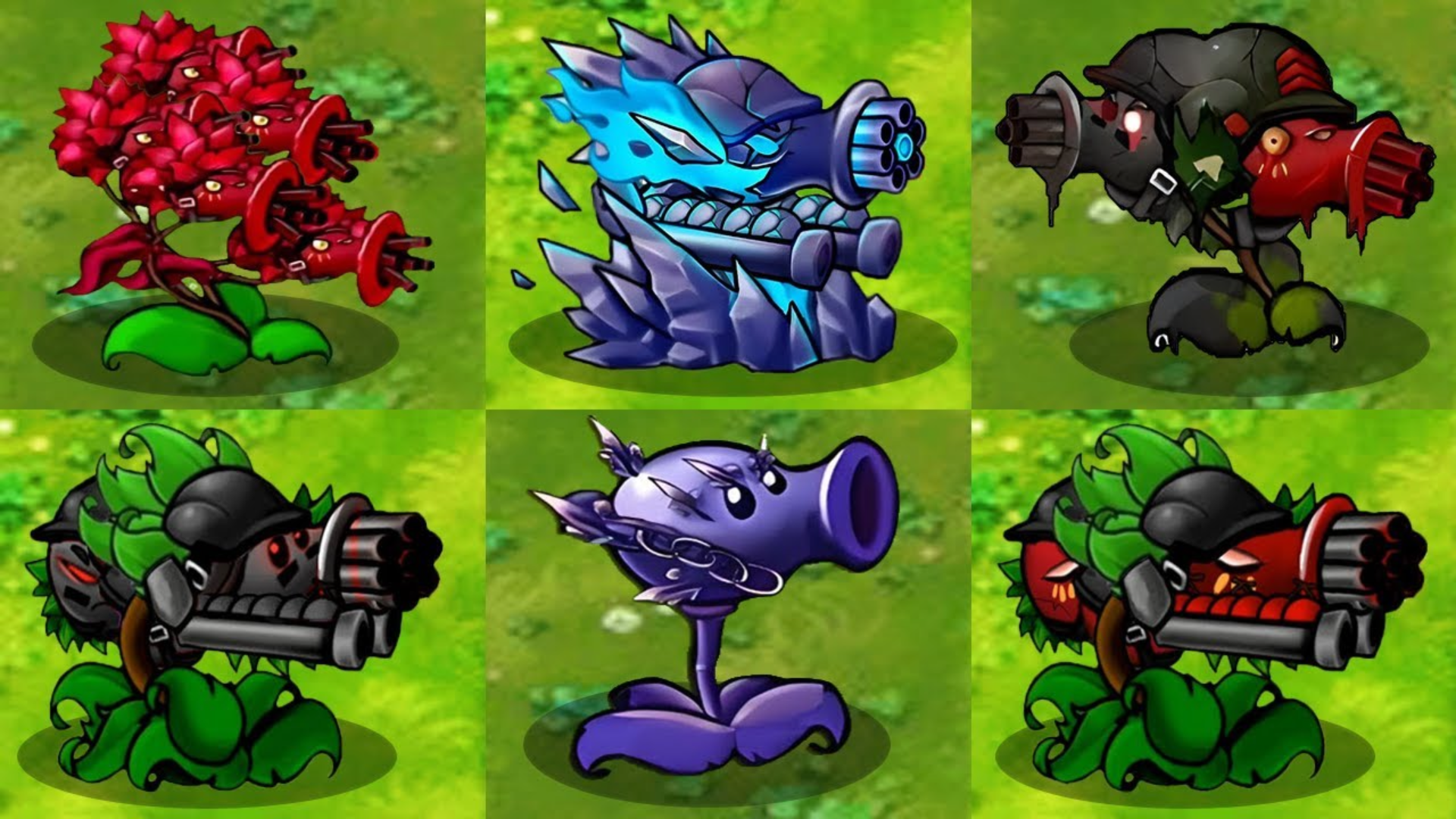
Plants vs Zombies Hybrids
A new era of Plants vs. Zombies has arrived — blending the best of the old with exciting new mechanics. Build your defenses like never before by creating
Zombies ate my Castle
Zombies Ate My Castle is a tower defense game where you command an army of zombies to protect your fortress. Strategically deploy your undead allies, summo
Archer Madness: Crystal Defense
Archer Madness: Crystal Defense is an exciting casual tower defense game packed with endless waves of monsters, powerful archers, and addictive strategic g
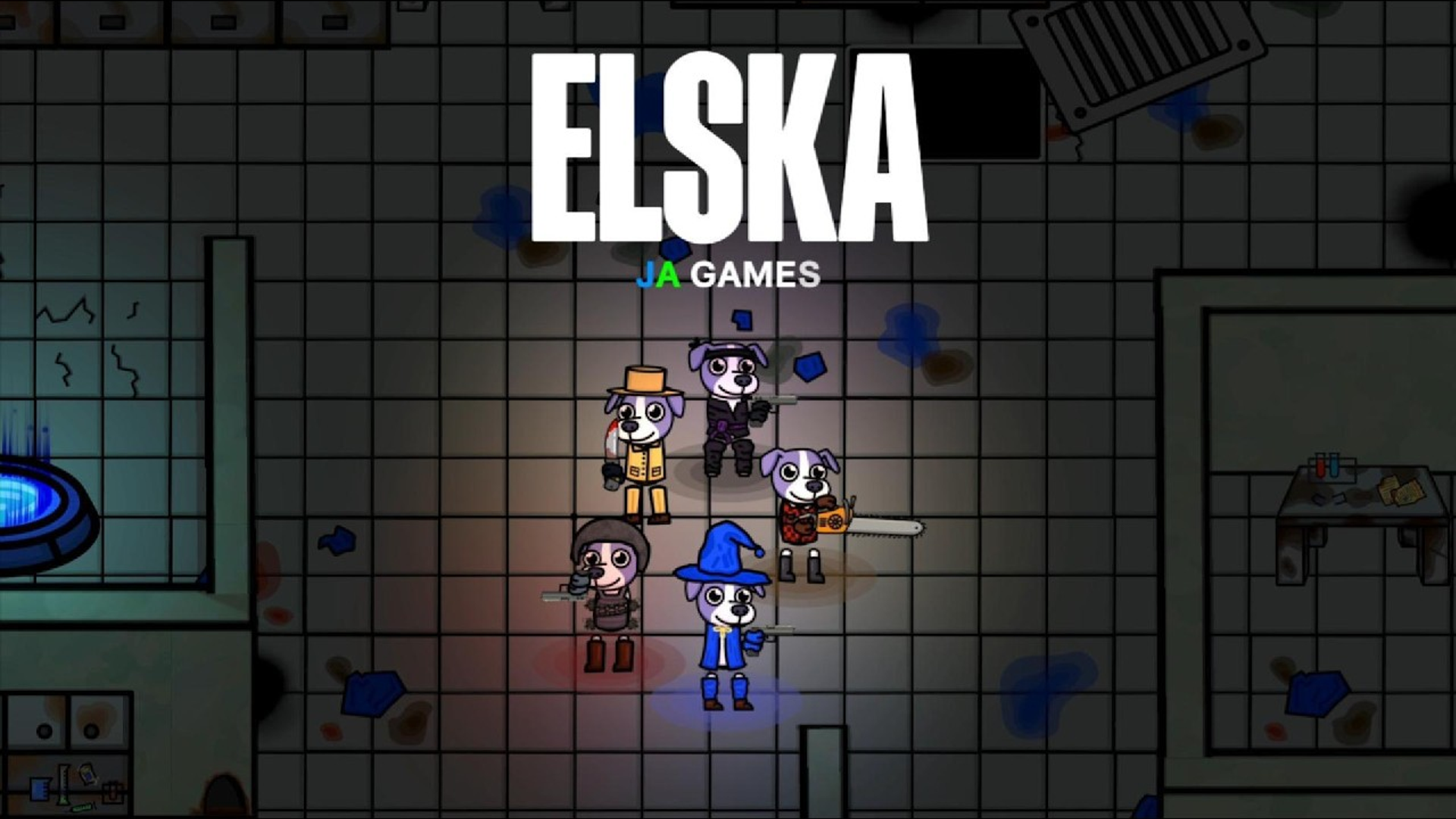
Elska – dog vs zombies! Multiplayer co-op
The world has gone wild—but one dog hasn’t. Elska is a fast-paced, top-down cartoon shooter where you play as a brave, loyal dog named Elska, the only sur
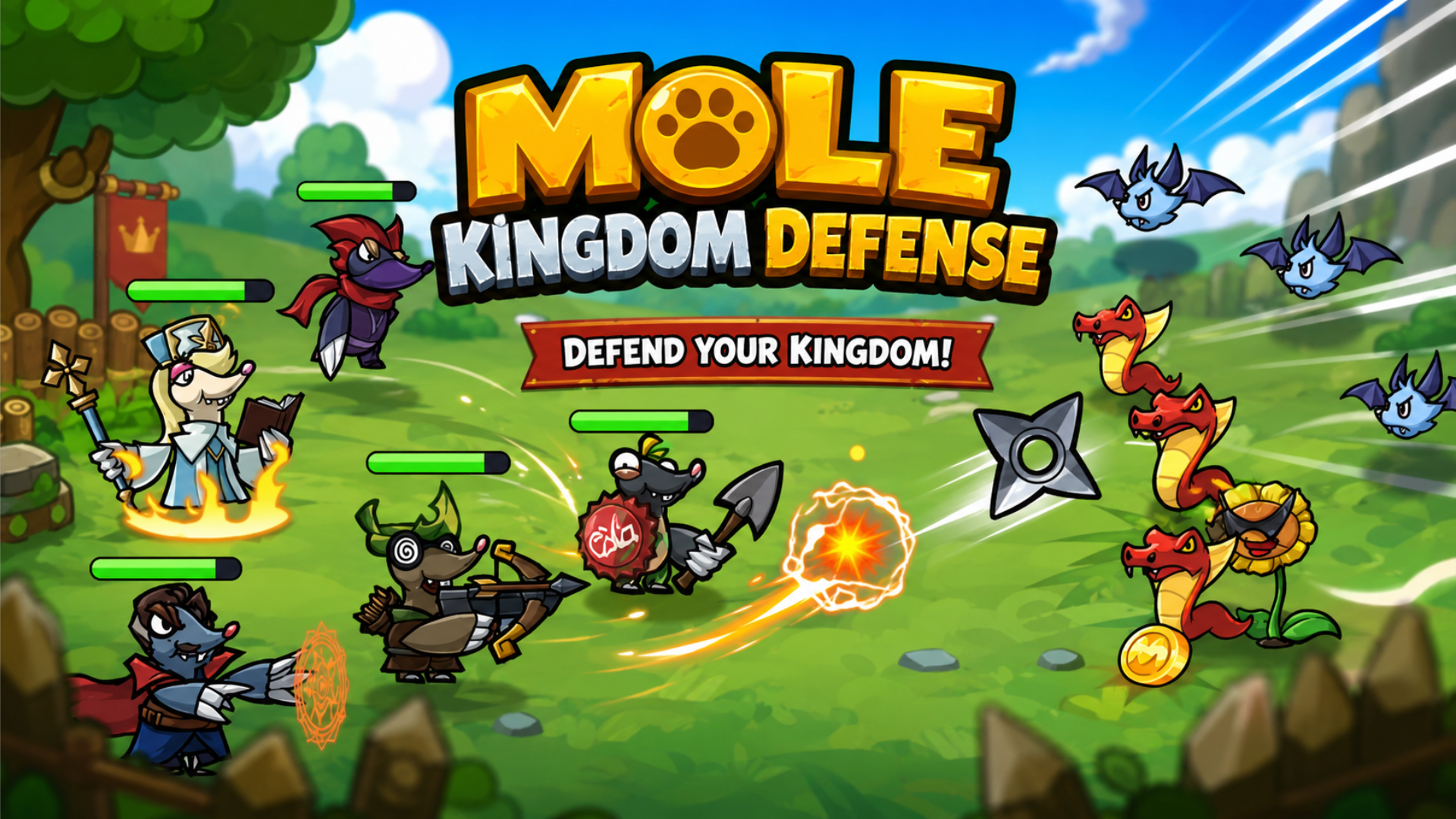
Mole Kingdom Defense
Mole Kingdom Defense is a charming tower defense adventure filled with brave little moles and endless battles! Build your ultimate mole army, recruit powe
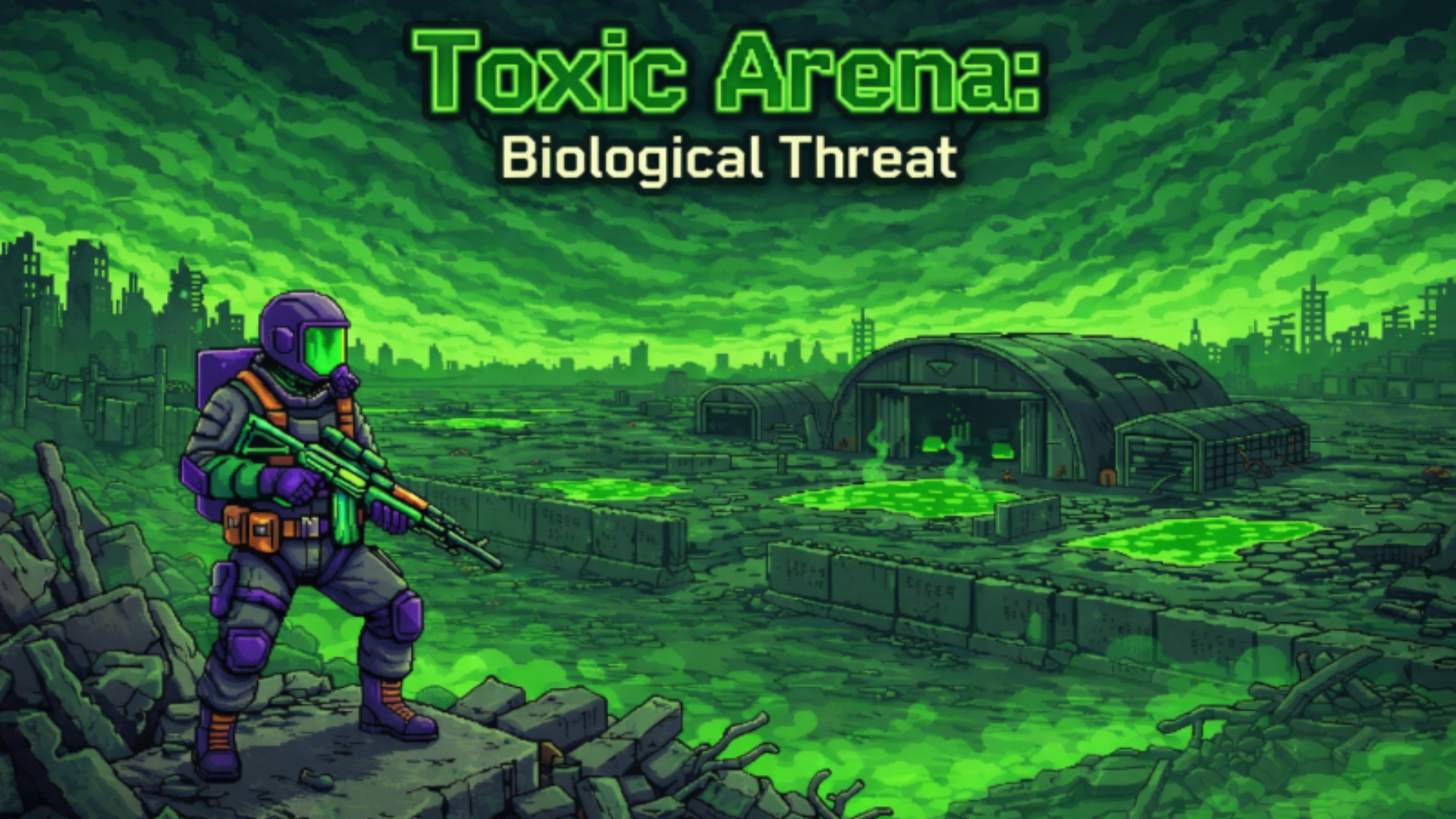
Toxic Arena: Biological Threat
Toxic Arena: Biological Threat is a thrilling action-roguelike "survivors" game where your only goal is to survive in the heart of a global biological cata
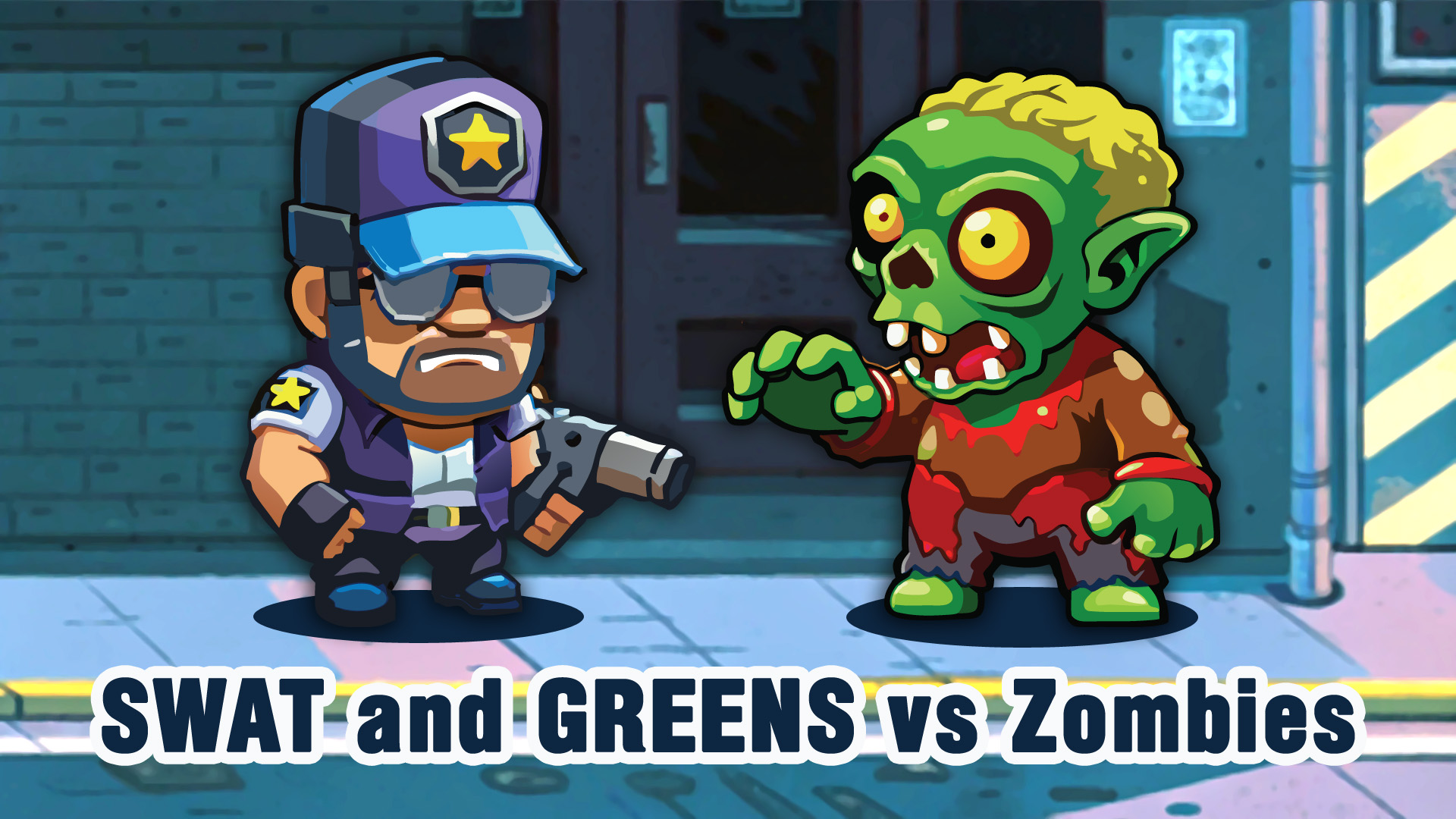
SWAT and GREENS vs Zombies
Engage in SWAT and GREENS vs Zombies, a thrilling strategy game where you defend humanity from a zombie apocalypse. Enjoy online gameplay without downloads
Lucky Clash
Lucky Clash is a fast-paced 3D tactical Tower Defense game where players summon powerful monsters, merge units, and defend their kingdom against relentless