Origin
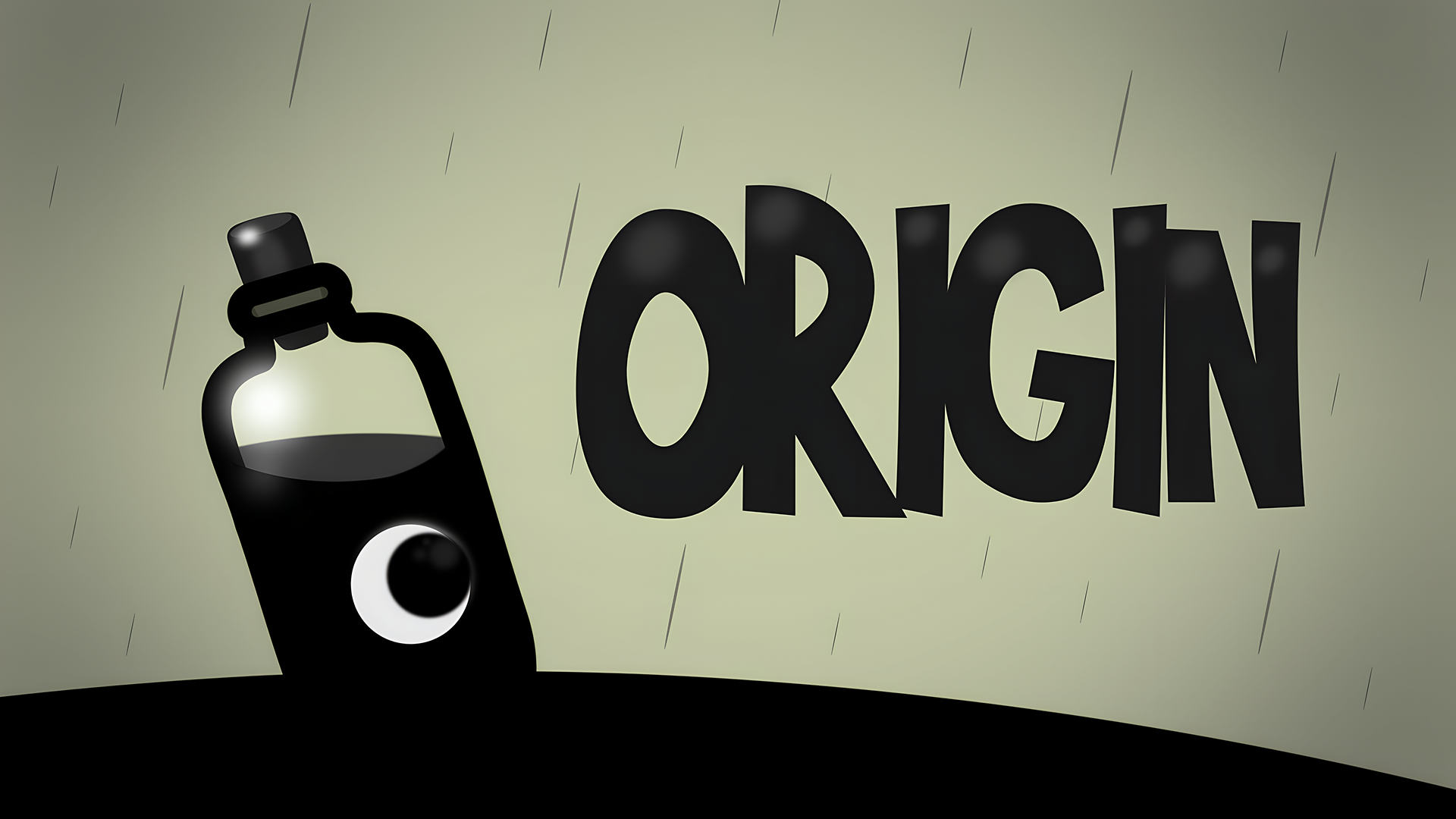
A 2D platformer for desktop and mobile, playable in the browser with no installation. On a keyboard, movement uses the arrow keys or WASD, with jump on Space or W, plus restart and menu shortcuts; touch devices get simple on-screen buttons in landscape. The goal in each level is to collect all black orbs to unlock the exit door, while avoiding spikes, with a limited number of double jumps available per level.
Loading the game…
This game did not load. It may be temporarily unavailable on the provider side.
About this game
Collect the orbs to unlock the door and escape! Use the Arrow Keys or WASD to move and jump. To activate the door, collect all the black orbs.
In later levels, you’ll be able to double jump. You can press W or UP twice to double jump. However, you only have a limited amount of chances to do this, indicated by the JUMP counter in the upper left corner of the screen.
Make sure you avoid the spikes!
How to play
Desktop Controls:
← (Left Arrow) / A: Move left.
→ (Right Arrow) / D: Move right.
↑ (Up Arrow) / Space / W: Jump.
R: Restart.
Q: To Menu.
M: Mute.
Mobile Controls:
On-screen Buttons.
Related games
View all
Squishy Sheep
Your mission is to help an adorable cat friend collect every balloon in each level. All it takes is removing the right platform at just the right moment an
Super Frog Adventure
"Super Frog Adventure" is a great platformer that takes you into the world of classic Super Mario style games. The game features 8 incredible and challengi
OrbaDrone – Robot Escape
ℹ️About You’re an Orb-shaped drone with the ability to repel and attract objects, awakened in a strange cave-like structure in a post-apocalypse scenario.
Chroma Trek
Immerse yourself in Chroma Trek, a breathtaking neon platformer that dazzles with vibrant visuals and innovative gameplay. Each level is a unique masterpie
Spider-Bubu
Spider-Bubu swings from wall to wall across the city. Halloween has arrived, and you need to collect all the Halloween candies along with Spider-Bubu. Don’
Hook King Runner
Hook King Runner is a physics-based runner where you tap, swing, and time your jumps to master wild obstacle courses. Use ropes and hooks with precision to
Space Obby
A fun and lighthearted platformer set in outer space. Join other intrepid astronauts as you adventure to the far reaching corners of a destroyed space stat