
BusParking
Park a bus in tight spaces using the W, A, S, and D keys to accelerate, steer, and brake. The C key switches camera lenses and R reverses the view, while ESC pauses the action. It runs in a browser on desktop in landscape orientation, with no installation needed.

Loading the game…
This game did not load. It may be temporarily unavailable on the provider side.
About this game
This is a challenging and fun simulation parking game designed for players who love driving and pursue precise operations. In this highly realistic 3D gaming world, you will transform into a highly skilled driver, facing various complex and ever-changing parking scenes, each level testing your driving skills and spatial judgment ability. Exquisite 3D graphics and realistic sound effects make you feel as if you are in a real driving environment. While enjoying the fun of gaming, one can also learn practical parking techniques and enhance their awareness of driving safety in real life. The game includes over a hundred carefully designed levels,
How to play
Keyboard key c to switch lenses Keyboard key r switches forward backward Keyboard button w come on Keyboard key s brake Turn left on keyboard key a Turn right on keyboard key d Press the ESC key on the keyboard to pause the game
Related games
View all
Bus Park 3D
Bus Park 3D is a realistic truck-parking challenge with tight corners, narrow docks, cones, and moving traffic. Master precise steering, trailer swing, and

Farm Fest : Farming Games, Farming Simulator
Do you want to own a farmland? Do you want to cultivate and sell the crops like a farmer? Play free farming games and became an expert farmer by farming an

Block Stacking
This is an addictive hypercasual game. Tap at the right time to stack the blocks and build up your tower as high as possible. Languages supported: English
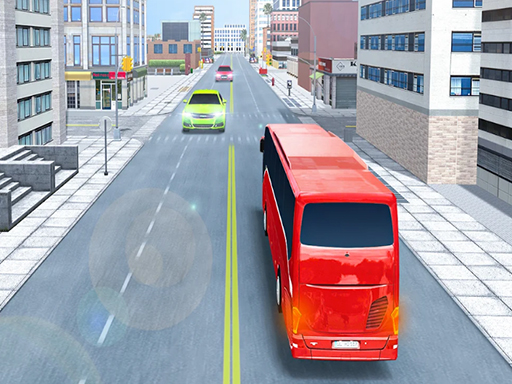
Modern Bus Parking
Modern bus parking simulator Free Games offline is new Bus Simulator 2020 with several parking challenge.
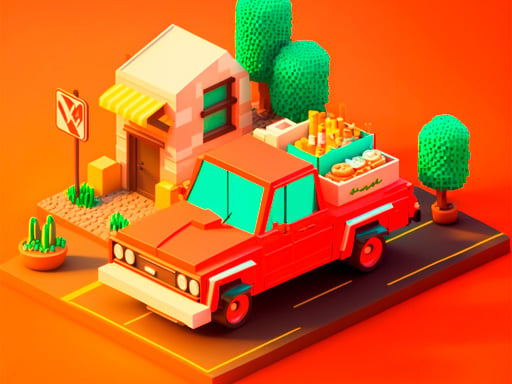
Food Truck Baron
In "FoodTruck Baron", you play as the owner of a food delivery truck tasked with delivering fresh food from various factories to hungry customers in local

Draw Climbing
Draw Climbing is a Puzzle Games. In the game, you have to draw the cube on the given foot, so that the cube keeps climbing forward, climbing the process, b
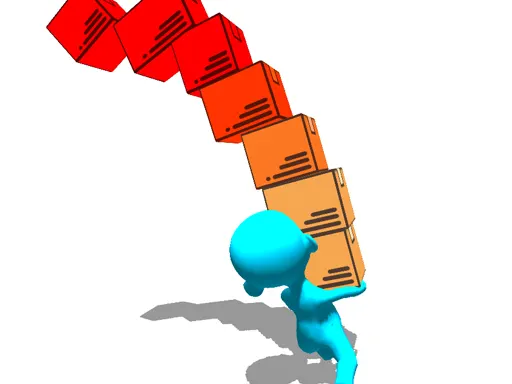
Stack Balance 3d
Try To make the biggest Tower Of boxes while keeping the balance moving left and right finish with the highest number of boxes to fill the highest number o
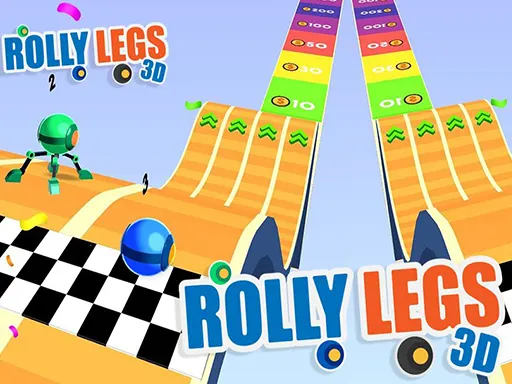
Rolly Legs 3D
Rolly Legs 3D is an amazing fun game. Roll on slopes to gain speed, and use your legs wisely to climb on difficult areas! Master your robot and roll, walk,