
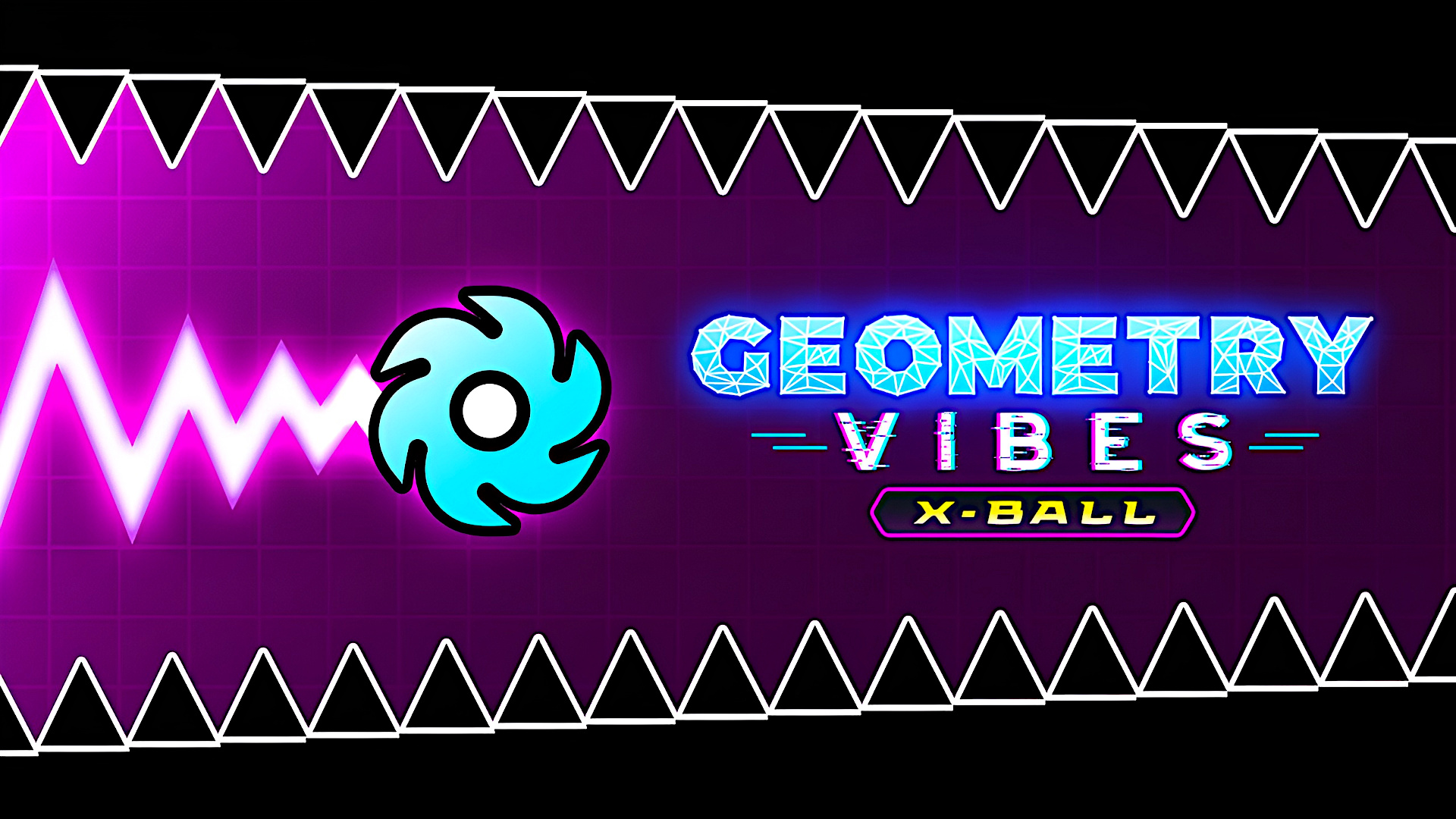
Geometry Vibes X-Ball
A single button or tap pushes the ball upward; releasing it lets gravity pull you down as you thread through obstacles toward the portal. Each run is short and fast, with ten levels of rising difficulty in Classic Mode and an Endless Mode for distance. Up to four players can race locally, using separate keys, and the whole thing runs in a browser on desktop, phone, or tablet in landscape.
Loading the game…
This game did not load. It may be temporarily unavailable on the provider side.
About this game
Geometry Vibes X-Ball is ready to give you a completely different gaming experience! After the first game of the series, interactive new levels, challenge section and completely new store are waiting for you in X-Ball mode. Start your new adventure now in Geometry Vibes X-Ball game where you will find yourself avoiding obstacles, traps and gears in each level!
What are Geometry Vibes X-Ball Game Modes?
Classic Mode: Try to reach the portals at the end of a total of 10 levels that get harder as the levels pass. The last 3 levels are quite challenging!
Endless Mode: Try to go as far as you can without hitting obstacles and traps.
Challenge Mode: Challenging stages designed for master players are located in this section. Prove how good a Geometry Vibe X-Ball player you are with 5 different challenge levels.
Race Mode: You can compete with your friends locally by playing levels with 2-3-4 player.
Is Geometry Vibes X-Ball a Difficult Game?
Geometry Vibes X-Ball is definitely not a difficult game and you can complete 10 levels in the classic section if you practice enough.
Can Geometry Vibes X-Ball be played on mobile devices?
Yes, you can play the game smoothly on your mobile devices such as tablets and phones. The game has simple touch controls and you only need to touch the screen to play.
How to play
The aim of the game is to reach the portal at the end without hitting anything.
Click "MOUSE LEFT-CLICK" or "SPACE" to accelerate upwards. Release the button to go down.
In 2,3,4 Player Modes, other players are controlled with "H", "L" and "UP ARROW KEY".
You can use touch controls on mobile devices such as tablets and phones.
Related games
View all
Ghost Guard
Shoot all ghosts before they reach you! Use arrow keys on PC, or tap on screen quadrants on mobile. Be careful, as some ghost will change directions!
Stack Ball 3D
Break through countless platforms with the ball, but avoid hitting black spots or you'll lose. Try to hit as many platforms as you can to gain speedboost a
Winter Battle
The perfect winter season has arrived. Join the battle between Santa Claus and the Grinch under the snow. Collect all the gift boxes falling from the sky,

Mini Car Racing Master 3D
🏁 Mini Car Racing Master 3D Feel the thrill of speed in Mini Car Racing Master 3D — an endless highway racing adventure packed with excitement, smooth con
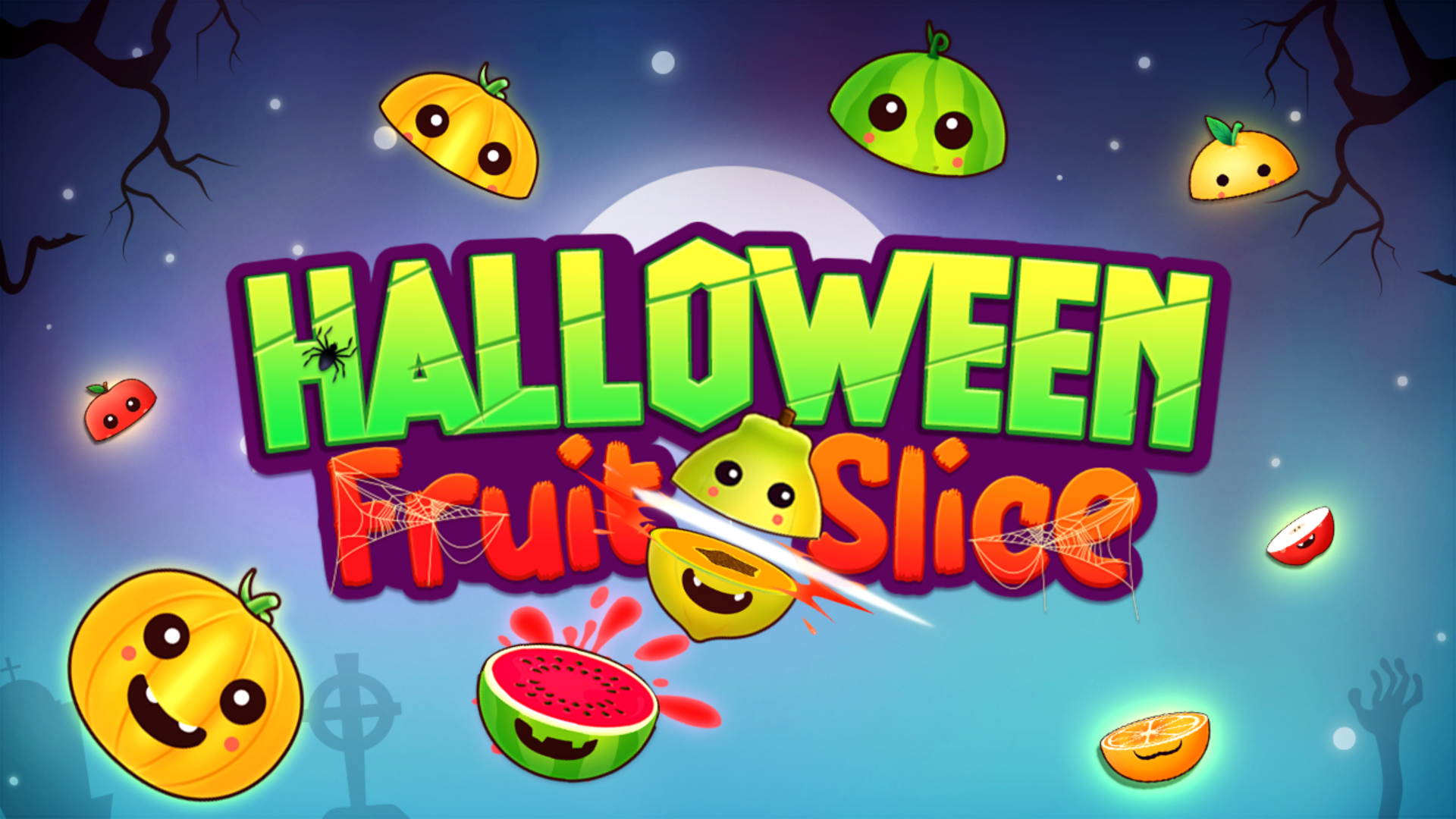
Halloween Fruit Slice
Get ready for a thrilling slicing experience in Halloween Fruit Slice a spooky twist on the classic arcade game. With a Halloween-themed environment filled
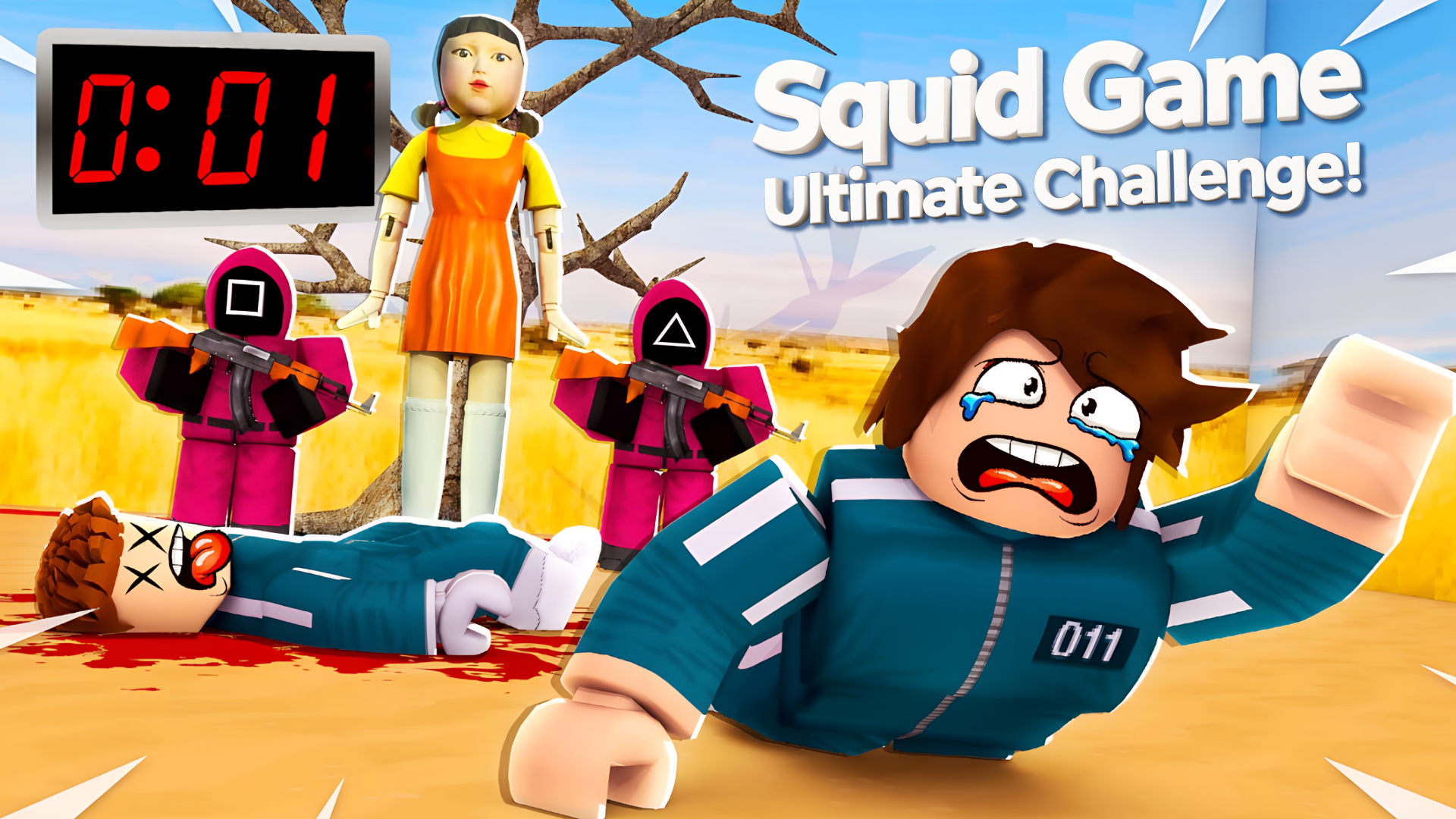
Squid Game Ultimate Challenge!
You must pass the squid trials and reach the red line to discover all the secrets! Be careful when the red light is on or when the doll stops talking, you
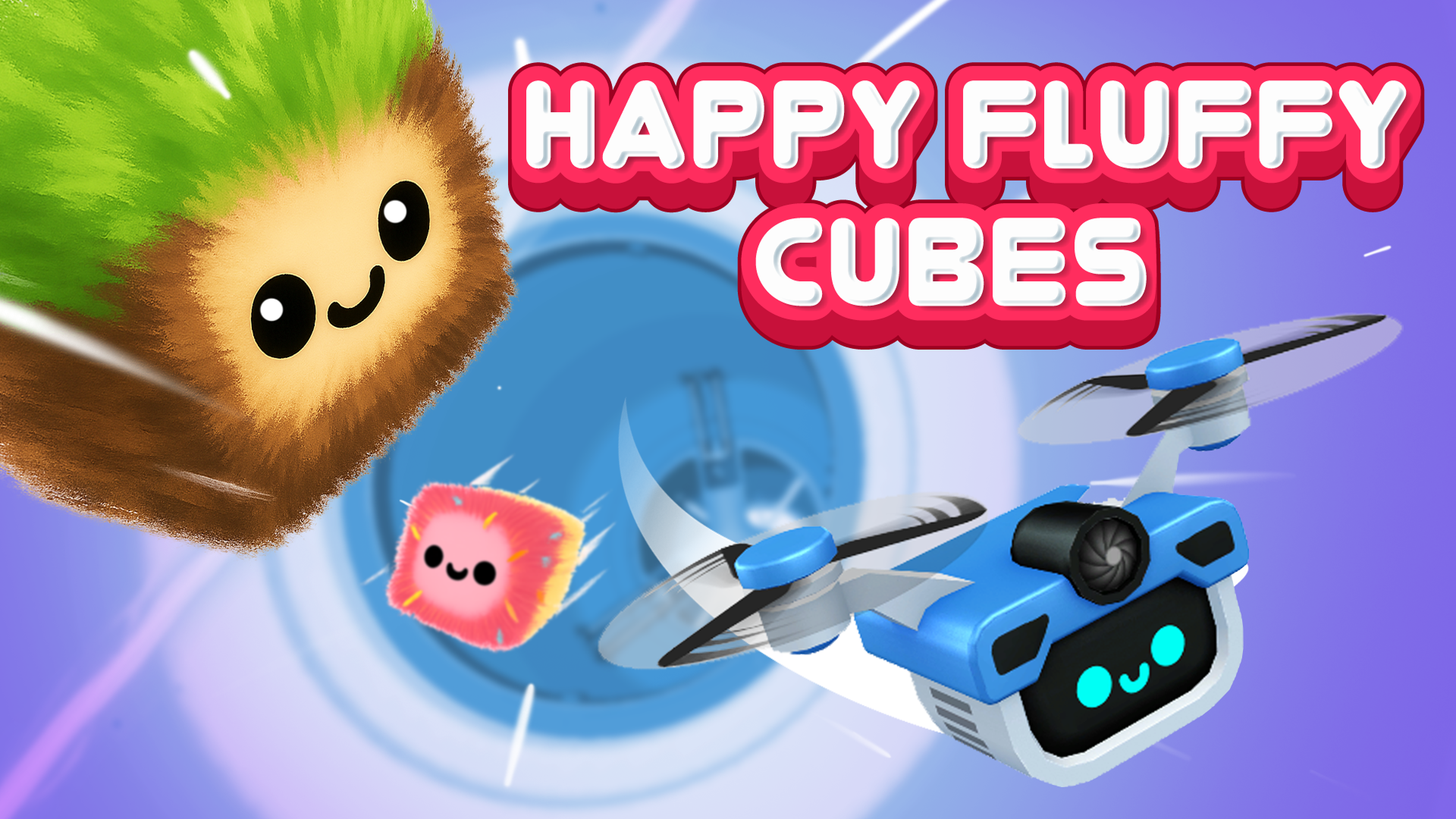
Happy Fluffy Cubes
🌸 Happy Fluffy Cubes is a bright and fun 3D runner with adorable cube heroes, tricky traps, and a collection system! Choose your Fluffy 🧊 and fly through l