
Neon Ping Pong
A two-player take on the classic bat-and-ball formula, this browser version runs on desktop in landscape and needs no install. Player one uses the W and S keys to move the left paddle, while the right paddle is controlled by the mouse or a finger on the touchscreen. It is strictly a local head-to-head sports game, with no single-player mode mentioned.

Loading the game…
This game did not load. It may be temporarily unavailable on the provider side.
About this game
Dive into the futuristic, fast-paced action of Neon Ping Pong 2.0, The Championship Edition! This modern take on classic Pong features stunning neon graphics, intense gameplay, and multiple modes. Challenge the increasingly difficult AI in 1-Player mode, or face off against a friend in 2-Player local mode. V2.0 Updates: Customize your game experience with the new Settings Menu, allowing you to adjust paddle size and set a maximum ball speed limit for controlled chaos.
How to play
Player 1 Left Paddle Keyboard Use the W key to move the paddle up and the S key to move the paddle down Mouse Touch Move the mouse or drag your finger on the left half of the screen to control the paddle position Player 2 Right Paddle - 2-Player M
Related games
View all
Basket Swooshes – basketball game
Fun online basketball game for one or two players. Choose your favorite basketball team, then try to prove to the world you are the best at shooting basket
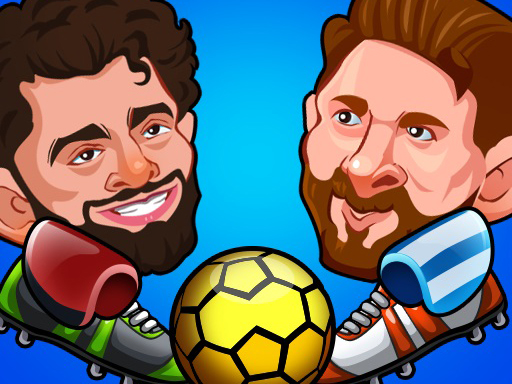
Head Soccer
Smash the football and score goals in this addicting pocket puppet soccer 2019 game! Pick your favorite worldcup big head team and play as a famous footbal
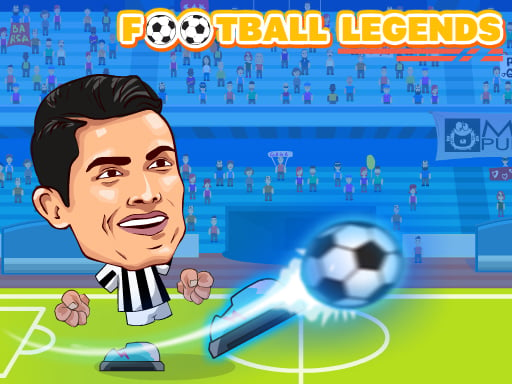
FOOTBALL LEGENDS 2021
Choose your favorite team and join a tournament where only the best fight for the title. Control your favorite player! You can play solo against AI opponen
Football League Sports Games
This just isn’t your ordinary point and shoot football game Football Legends takes the word legend to another meaning by giving your player the ability use

Air Hockey – 2 Players
Choose the game difficulty, play against the CPU, and remember: the first one to score 15 points wins!!
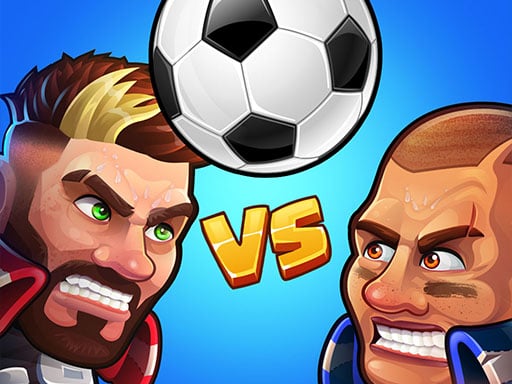
Head Ball 2 – Online Soccer Game
Challenge your opponents in Head Ball 2, the most competitive game ever created. It's a fast-paced, exciting multiplayer soccer game. Games are played in 1
Football Cup Superstars
Play one of the most accessible, exciting and fun arcade sports games in the world: Football Cup Superstars! You're free to choose your favourite national
Clash of Football Legends
Suggest whom you would like to play in the comments and we will add it in the updates. Play for your favorite country and score goals in this exciting foot