
SMod: Sandbox in Backrooms
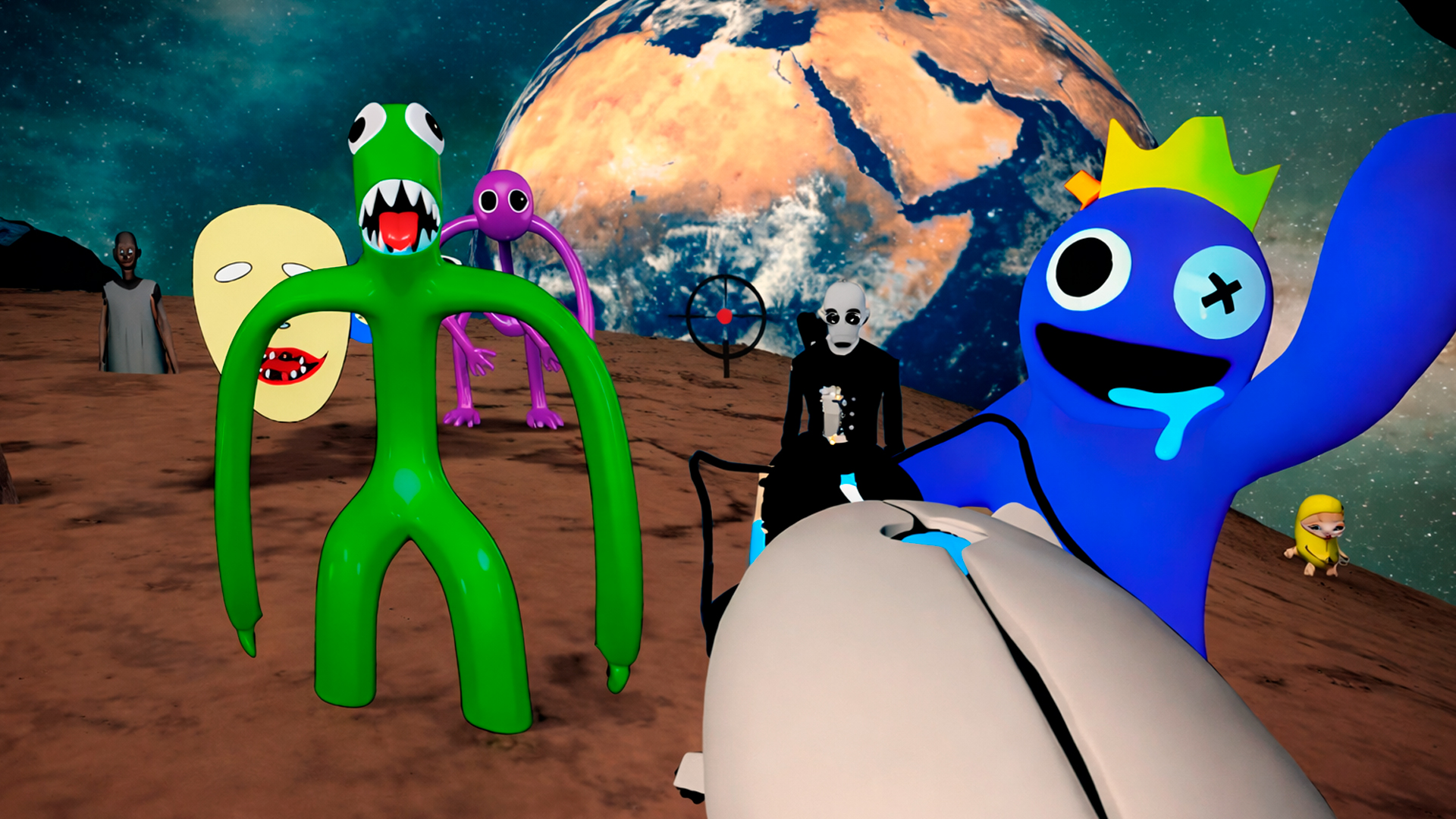
You move with WASD, aim with the mouse, and shoot on the left button, while Spacebar handles jumping and flying. A Tab key opens the monster spawn panel, letting you call up enemies at will. It runs in landscape on desktop, phone, or tablet, with touch controls substituting for keyboard and mouse, and there is no installation needed.
Loading the game…
This game did not load. It may be temporarily unavailable on the provider side.
About this game
SMod: Sandbox in Backrooms is a mod-style game based on the sandbox and the Backrooms. It is a real-time simulator with enemies spawning and levels to complete. In this game, you can spawn enemies using a portal gun, complete quests, and search for weapons.
How to play
Your task is to destroy as many monsters as possible😎! Save your points and get to the top of the leaderboard🏆! Have fun playing😉!
On PC:
Left mouse button: shooting.
Tab: opening the monster spawn panel.
WASD: moving the character.
Mouse movement: controlling the camera.
Spacebar: flying and jumping.
On phone:
Left joystick: moving.
The jump button on the right side of the screen: flight and jump.
The right side of the screen: camera control.
The box icon: opening the monster spawn panel.
The gun icon: shooting.
Related games
View all
Archer Madness: Crystal Defense
Archer Madness: Crystal Defense is an exciting casual tower defense game packed with endless waves of monsters, powerful archers, and addictive strategic g
Ninja Survival Simulator
Become a nimble ninja and embark on a dangerous adventure through many levels filled with traps, enemies, and puzzles. Explore colorful 3D locations, avoid

Kings Defense: Roguelike
Kings Defense: Roguelike — Defend the Kingdom! The kingdom is under threat! Enemies are advancing, and only your cannon can stop their onslaught. Kings De
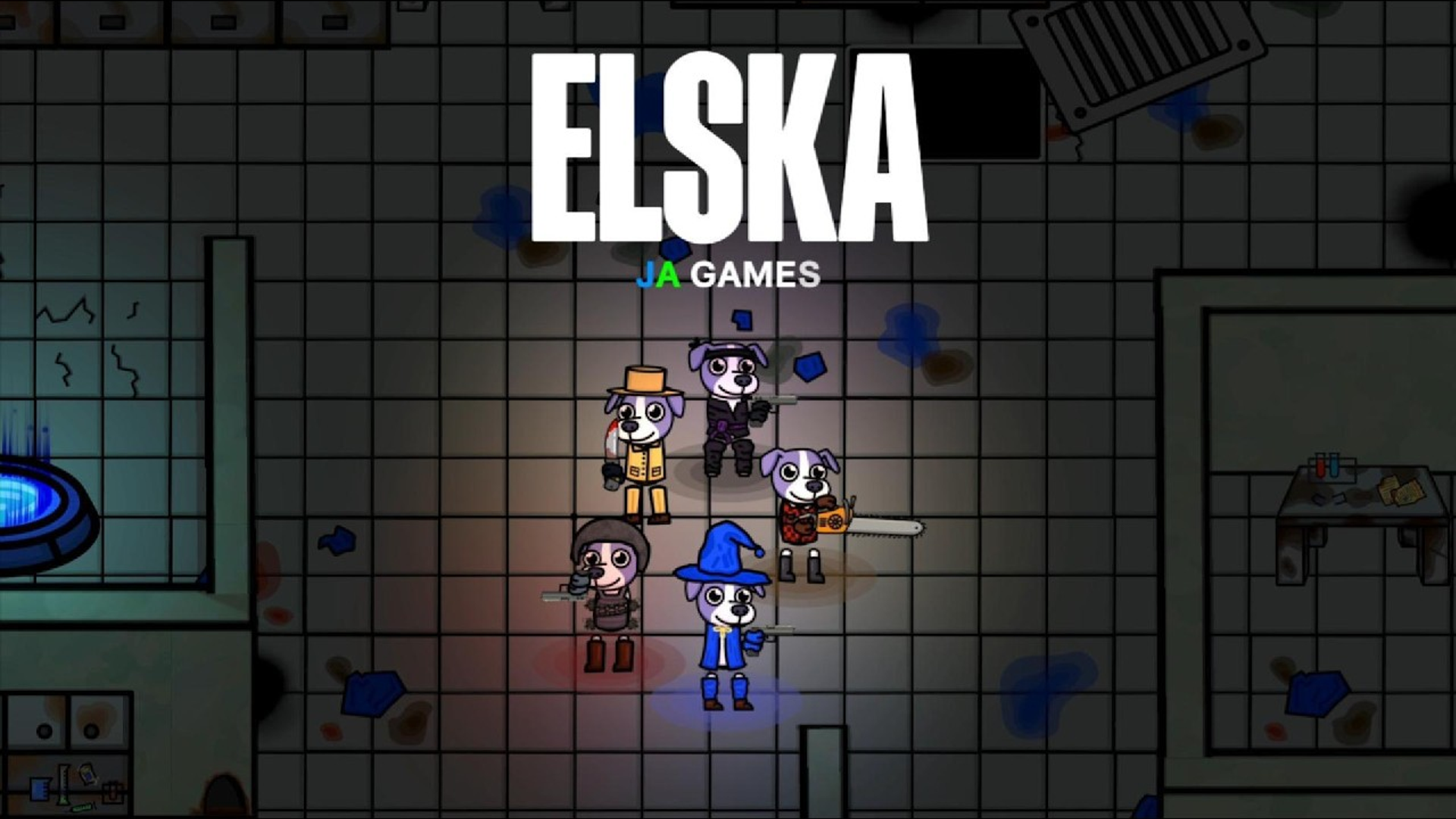
Elska – dog vs zombies! Multiplayer co-op
The world has gone wild—but one dog hasn’t. Elska is a fast-paced, top-down cartoon shooter where you play as a brave, loyal dog named Elska, the only sur
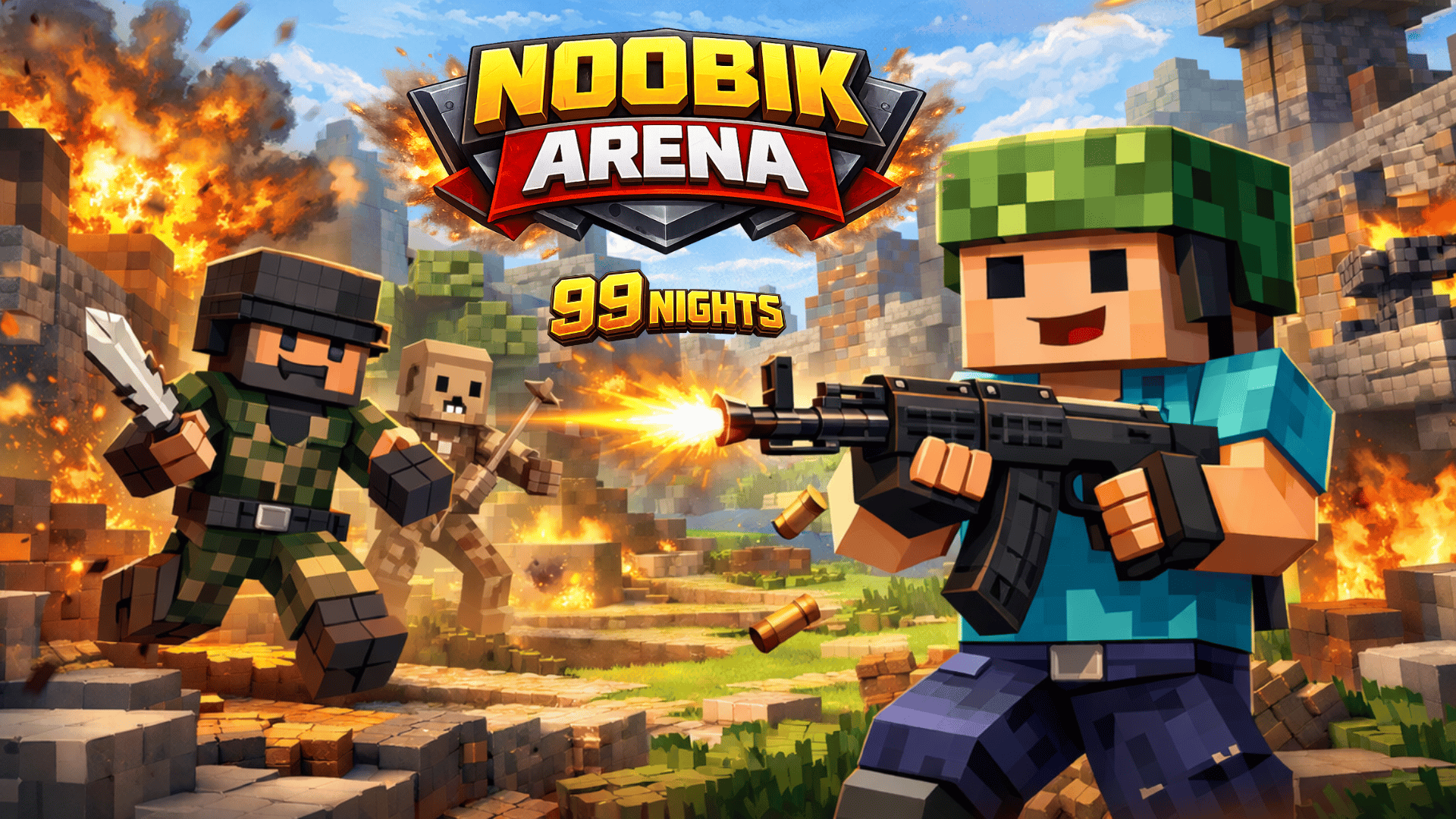
Noobik Arena – 99 nights
Noobik Arena - 99 nights is a fast 3D survival arena where the hero fights waves of monsters, collects coins and experience, unlocks upgrades, and improves
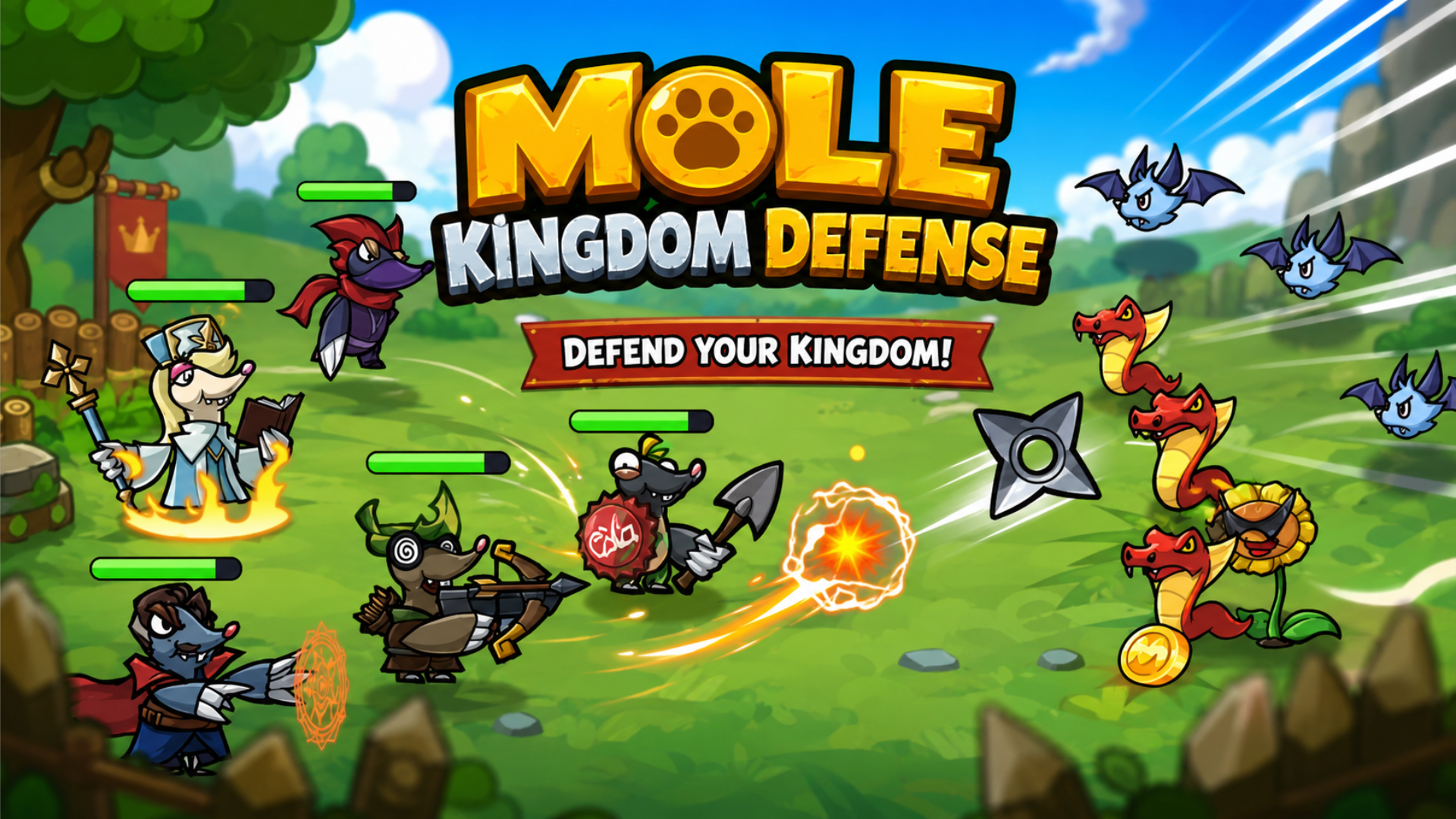
Mole Kingdom Defense
Mole Kingdom Defense is a charming tower defense adventure filled with brave little moles and endless battles! Build your ultimate mole army, recruit powe
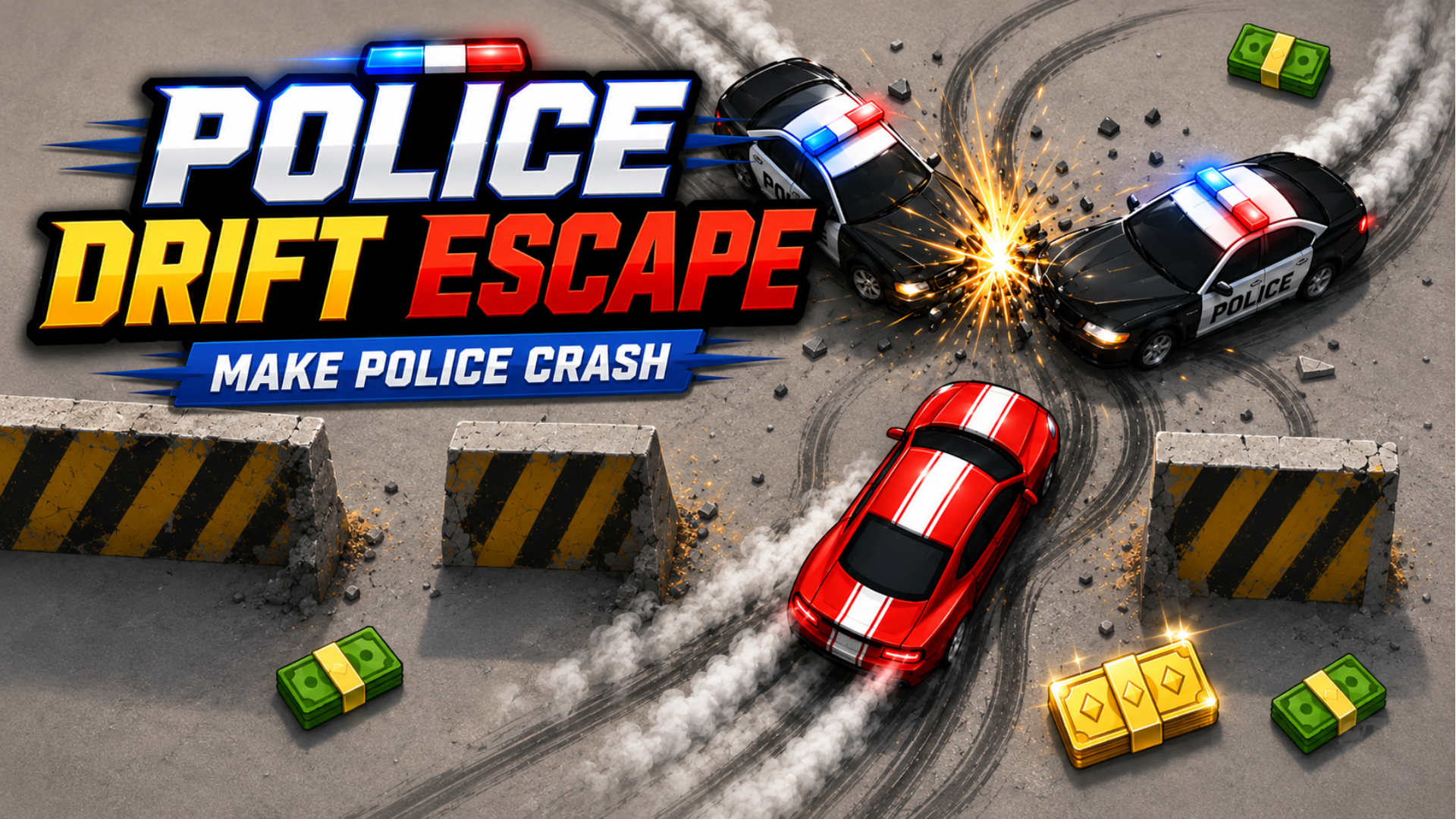
Police Drift Escape
Police Drift Escape is a fast, simple, and addictive top-down drift survival game. You are the getaway driver. Police cars are coming from every direction