
Soccer Legends 2026
Movement uses the arrow keys or A and D, with W or Up for jumping, S or Down for sliding, and X or L to shoot. Z or K unleashes a supershot, which you time to catch your opponent off guard. It runs in the browser on desktop, phone, or tablet, and supports one or two players locally, so you can face a friend in a quick match of arcade soccer.
Loading the game…
This game did not load. It may be temporarily unavailable on the provider side.
About this game
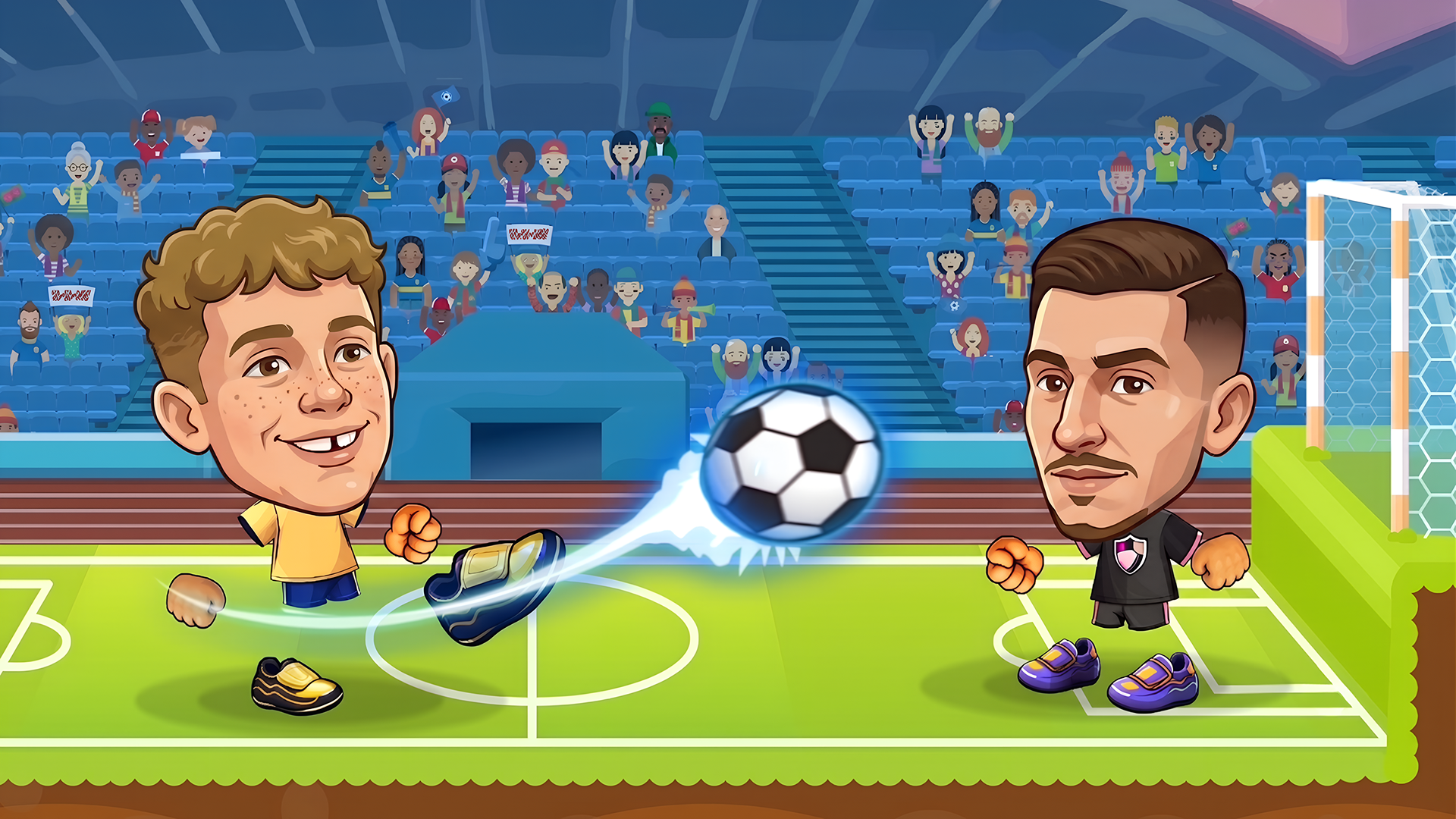
Soccer Legends 2026 is a fast-paced arcade soccer game where you can play solo or challenge your friends in exciting 1v1 and 2v2 matches. Choose from a variety of unique players, each with special abilities like powerful superkicks or teleportation, and use them to outplay your opponents. Compete in tournaments, master your timing and strategy, and score incredible goals to become the ultimate soccer champion
How to play
Score more goals than your opponent before time runs out. Move, jump, and strike the ball with perfect timing while using your supershot to surprise your opponent and gain the advantage.
Player Controls
Move: A / D or Left / Right Arrow Keys
Jump: W or Up Arrow Key
Slide: S or Down Arrow Key
Shot: X or L
Supershot: Z or K
Related games
View all
Toy Soccer Cup
Toy Soccer Cup is a fast, pick-up-and-play table football game where you flick toy players to smash the ball into the net. Battle through tournaments and w
Soccer Random
Soccer Random is a funny physics-based soccer game where every match feels unpredictable from the first kick. Instead of following the style of a serious f
Basket Random
Basket Random is a chaotic arcade basketball game where every match turns into a funny test of timing, luck, and unpredictable physics. Instead of giving p
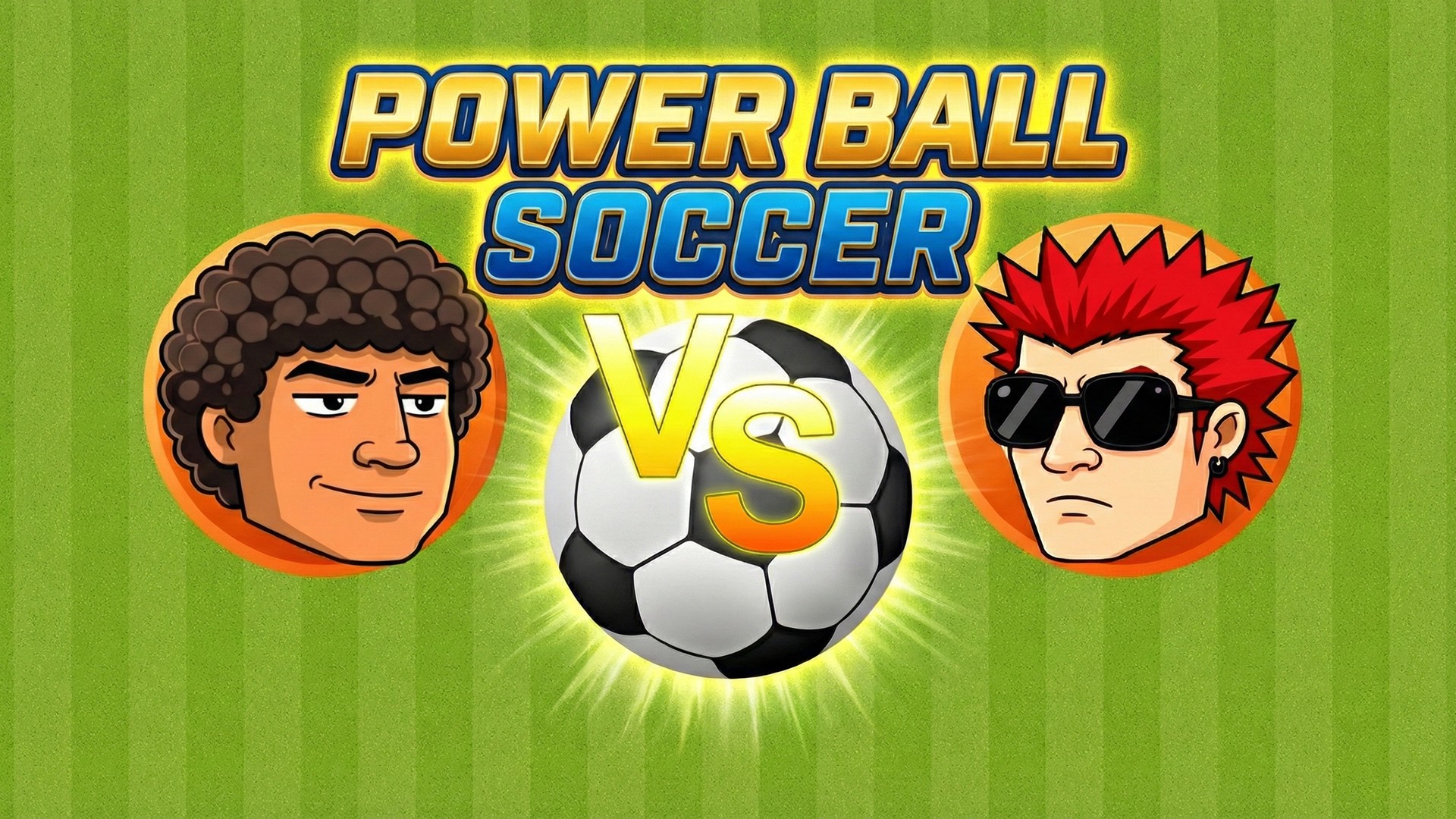
Power ball soccer
Top down soccer game with special moves, 2 game modes, 16 characters, 32 levels. Unlock new characters. the next opponents are stronger than the previous o
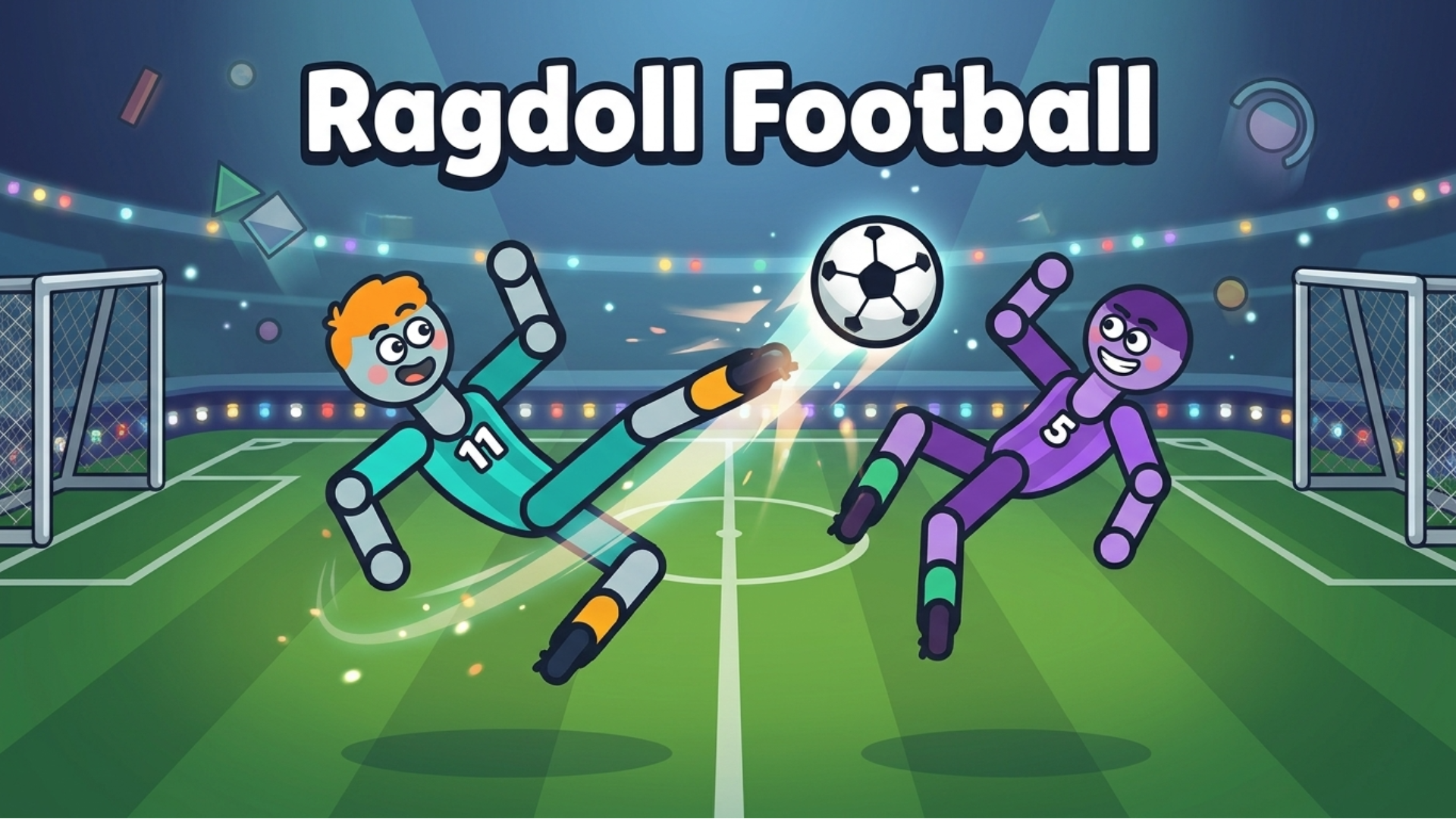
Ragdoll Football
Ragdoll Football is wild arcade soccer with ZERO gravity! Your goofy yet lovable ragdoll player floats, tumbles and flies across the arena to smash the bal
Shape Transform Race
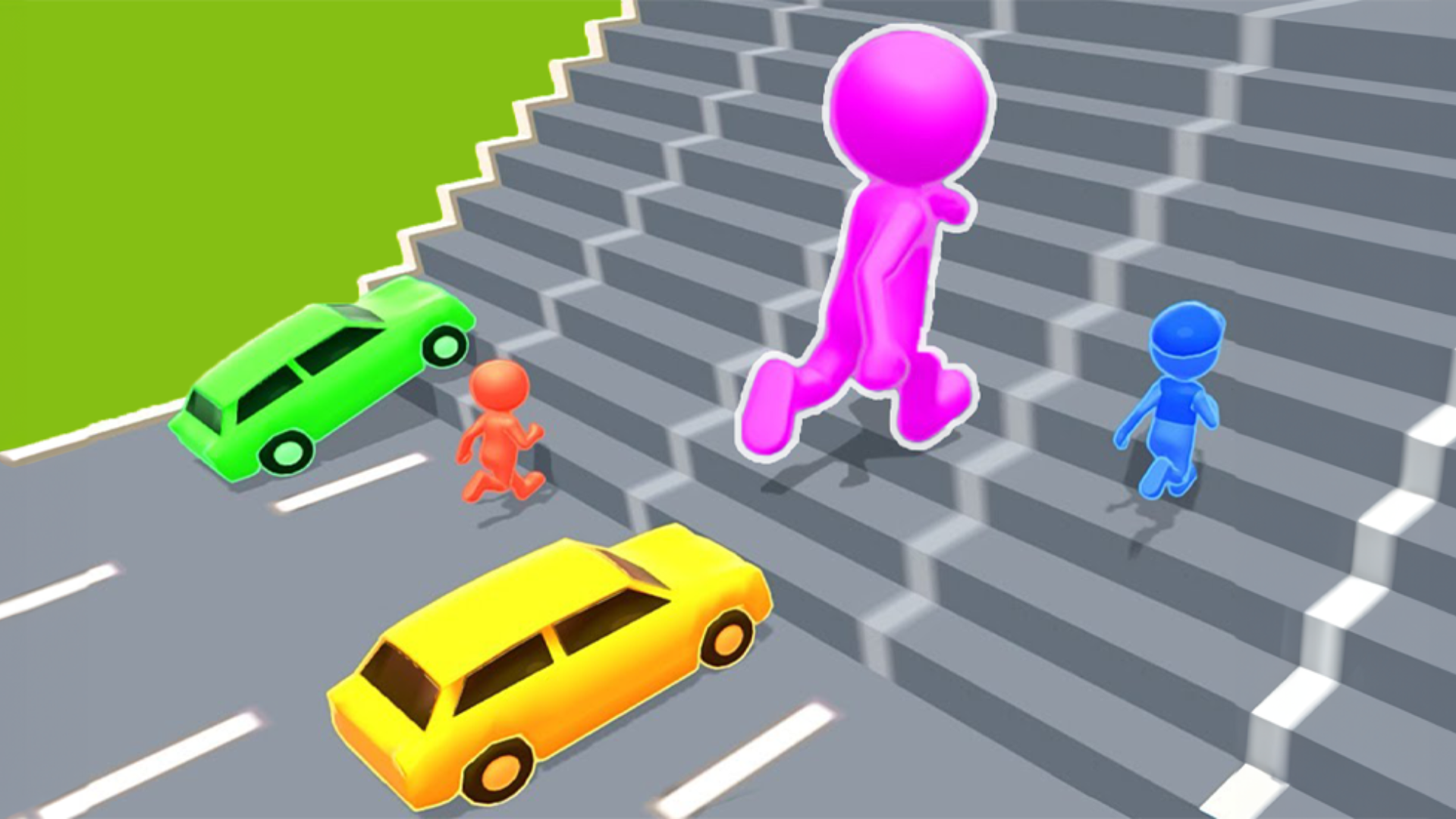
Shape Transform Race is a fun racing game that can be played in reaction-based 1 and 2 player game modes. You can play the game against bots or against you